
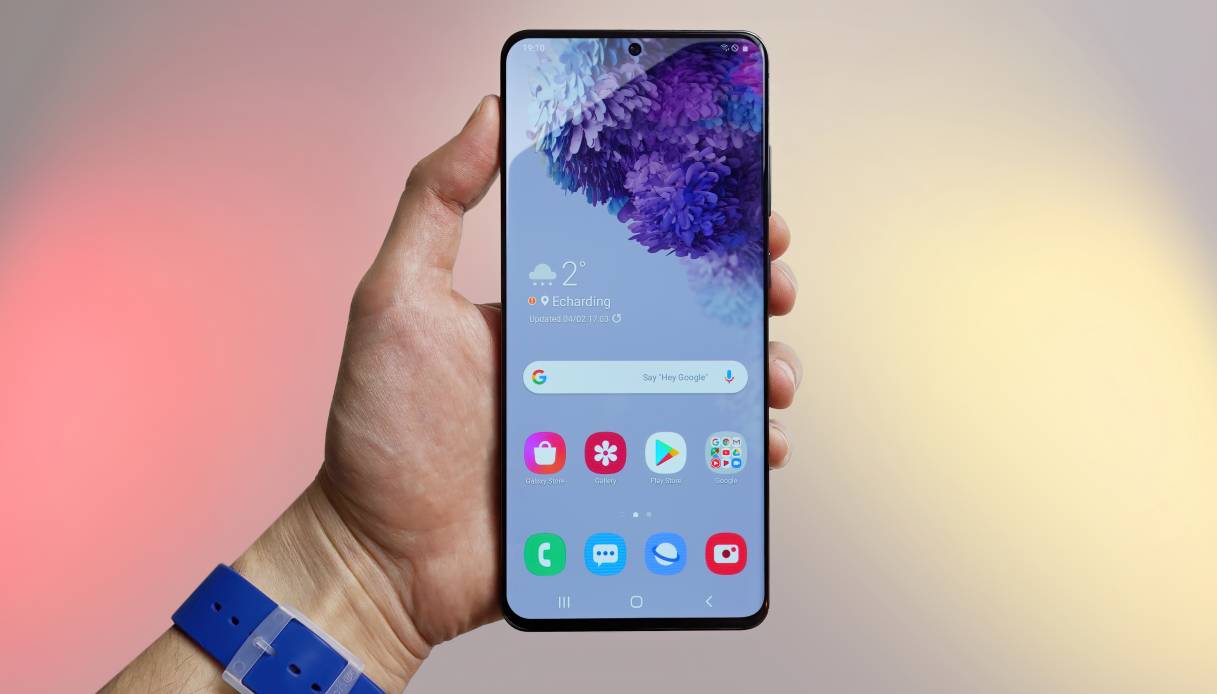

Pairing your AirPods with a Samsung Phone is a straightforward process that allows you to enjoy wireless audio on your Android device. While AirPods are designed to work seamlessly with Apple devices, you can still connect them to your Samsung phone by following these steps:
Steps to Pair AirPods with a Samsung Phone:
-
Ensure Bluetooth is On: Make sure that Bluetooth is enabled on your Samsung phone. You can usually find this setting in the "Settings" menu.
-
Open the AirPods Case: Open the lid of your AirPods case. This will put the AirPods in pairing mode.
-
Locate AirPods on Your Samsung Phone:
- On your Samsung phone, go to the Bluetooth settings by opening the "Settings" app.
- Select "Connections" or "Connected devices," then tap on "Bluetooth."
- Your Samsung phone will start searching for nearby Bluetooth devices.
-
Pair with AirPods: In the list of available devices, you should see "AirPods" or a similar name (depending on the version of AirPods you have). Tap on it to initiate the pairing process.
-
Complete Pairing: Once you tap on "AirPods," your Samsung phone will connect to them. You might see a pop-up asking you to confirm the pairing. Follow the on-screen instructions to complete the pairing process.
-
Test the Connection: Once connected, play some audio on your Samsung phone to ensure that the sound is coming through the AirPods.
Additional Tips:
- Bluetooth Range: Keep in mind that the Bluetooth range between your AirPods and Samsung Phone is typically around 30 feet. Ensure that you're within this range for optimal connectivity.
- Automatic Connection: After the initial pairing, your AirPods should automatically connect to your Samsung phone whenever they're in range and Bluetooth is enabled.
While you can pair AirPods with a Samsung Phone for audio playback, some features that are optimized for Apple devices may not work as seamlessly on Android. For instance, you may not have access to features like automatic ear detection or Siri integration. Additionally, the Battery indicator for the AirPods might not be as accurate on non-Apple devices.
Pairing your AirPods with a Samsung Phone can provide a convenient and wireless audio experience. However, if you encounter any issues during the pairing process or experience connectivity problems, refer to your AirPods' user manual or contact Apple Support for assistance.